Buying guide
What a 3D PC builder preview can tell you
Use a model to inspect a build plan while checking dimensions, connectors and clearance in separate evidence.
Published
Research and writing prepared with AI assistance.
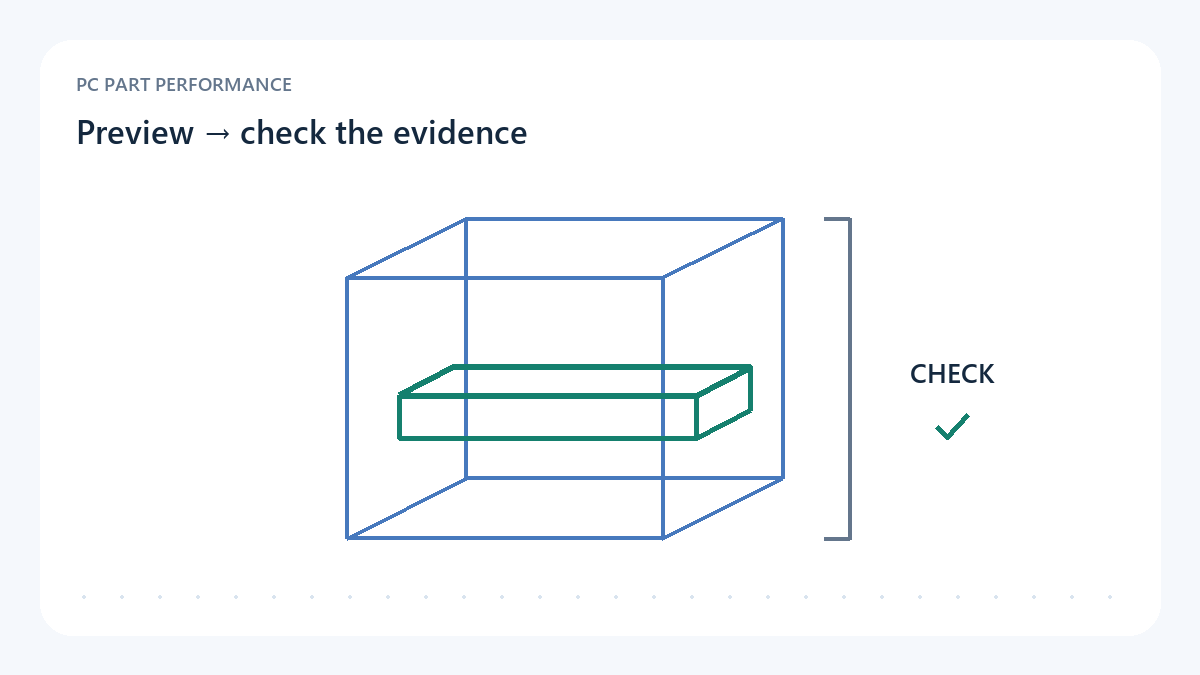
A useful view begins with knowing what is represented
A 3D preview can help you understand a proposed arrangement, inspect a case and notice questions that a parts list hides. Rotate it, compare component positions and look at the paths you might need for installation or service. Before drawing conclusions, check whether each visible object represents the exact part you selected or a generic placeholder. A plausible silhouette is not evidence of an exact physical envelope.
Read the model coverage and provenance information. It should distinguish exact product assets, simplified dimensions and missing models. When a catalog item has no verified asset, the preview should leave that state visible. Do not translate a successful render into verified compatibility. Drawing an object and proving that the real assembly fits are different tasks with different evidence.
Keep the part identity beside the geometry
Record the exact manufacturer model and revision, then compare the dimensions with the associated source. A GPU family can include partner cards with different length, thickness and power-connector positions. A case family can include different sizes or panels. The preview is only as specific as its data and geometry; a generic GPU box cannot certify a particular board's connector clearance.
Even an accurate outer shape may leave installation details out. Cables, tube routing, screw access and the sequence in which parts enter the enclosure can matter. A final assembled pose does not show whether the part can pass through the opening or whether a connector can be seated and routed correctly. Use the view to generate a checklist, then answer it with the exact manuals and measurements.
A conditional dimension needs its condition
Fractal's original North specification gives an instructive example: GPU length can be up to 355 mm, or up to 300 mm with a 360 mm front radiator. The condition changes the available space. A preview showing a long card and a front radiator should not silently use the larger limit. This is the original North specification, not evidence for North XL or another case.
A length comparison is still only one check. Inspect thickness, width, power-connector space and interference with other components according to the relevant instructions. Keep each result separate instead of issuing a blanket fits label from one favourable dimension. If the source does not establish a needed margin or path, the result remains unresolved even when the model looks convincing.
| Evidence | Useful for | Does not establish alone |
|---|---|---|
| 3D preview | Orientation and arrangement | Certified real-world clearance |
| Exact dimensions | A specified axis and configuration | Cable routing or installation sequence |
| Matching manual | Mounting and conditional rules | Measured cooling/noise in your finished build |
| Original system test | Observed behaviour under stated conditions | Every untested configuration |
Sources: Fractal Design — North Chalk White specifications and reviews
Use original testing for performance questions
A model cannot measure temperatures, sound level or frame rates. For those questions, find an original test with the configuration, workload and method visible. The optional GamersNexus North review link, identified by Fractal's own review section, provides review context for that case. It does not certify your chosen component combination or provide a current retail-price observation.
Avoid assigning a performance result to a preview because the enclosure resembles a tested system. Fans, settings, room conditions and component power behaviour can differ. If a source tests another configuration, say so. A visual tool becomes more useful when it points you toward missing evidence rather than hiding uncertainty behind an attractive finished scene.
Sources: Fractal Design — North Chalk White specifications and reviews
Take a checked plan from preview to purchase
Save the exact parts list and the unresolved checks before leaving the builder. Open the coverage record for any placeholder or simplified asset. Verify the corresponding specifications, mounting instructions and power requirements. If a retailer substitution changes a part, revisit those checks. A screenshot can help remember the arrangement, but it should not replace the identities and source documents.
The practical outcome is a better inspected plan. You can use the preview to understand positions and communicate questions, while the compatibility checks retain their own evidence and limits. This site does not treat an approximate model or a visual overlap test as certified clearance. Buy only after the checks that matter to your exact assembly have been answered or you have consciously accepted the remaining uncertainty.
- Exact assets distinguished from placeholders
- Model provenance and scale inspected
- Conditional case limits preserved
- Connector and installation questions checked separately
- Cooling and performance claims tied to original tests
Use the tools with this evidence
Inspected sources and limits
- Fractal Design — North Chalk White specifications and reviews
Inspected 2026-10-11. Original North case: GPU length up to 355 mm, or 300 mm with a 360 mm front radiator. Manufacturer review section links the GamersNexus North video.
Not North XL; the selected page is a specific North variant. Length limits alone do not certify connector, tube, width, side-panel or installation clearance.