Buying guide
Build vs Buy: compare the complete PC cost
Put a DIY build and a prebuilt on the same cost basis, including Windows, missing parts, support and your time.
Published
Research and writing prepared with AI assistance.
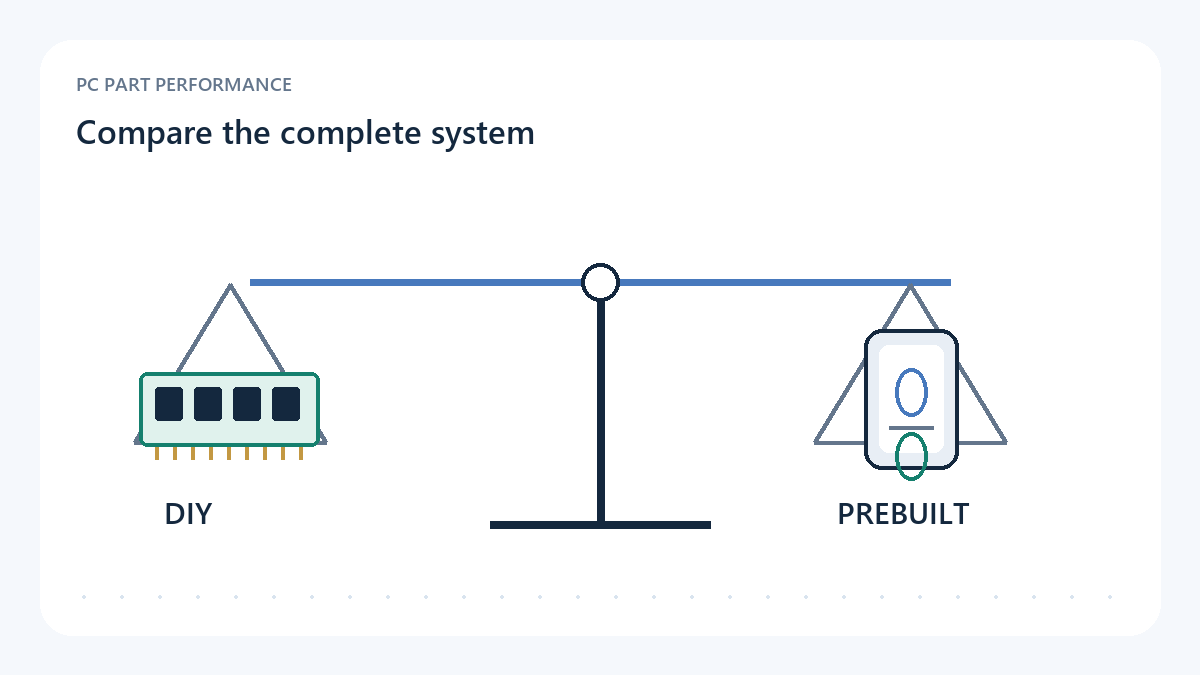
Compare two systems that solve the same job
Begin with a workload and a display target, then write down two complete routes to that result. One route is the exact prebuilt configuration you can order. The other is a compatible DIY parts list. Matching only the CPU and graphics processor leaves room for large differences in memory, storage, cooling, networking or service. Decide which differences you accept and record them before comparing totals.
A complete DIY plan includes the motherboard, power supply, case and cooling as well as the most visible components. Add operating-system requirements, missing cables, wireless hardware and peripherals when your situation needs them. Components you already own can reduce the new cash outlay, but list them and check their condition and compatibility. Treating an unverified old part as a free solution can make a comparison look settled too early.
Sources: Intel — How to build a gaming PC
Separate observed cash costs from personal assumptions
Create one row for each cost and record its source. Keep a retailer-observed amount separate from your estimate of shipping or assembly time. Add tax consistently for both routes when it is known, and show it as unknown when it is not. Use the same region and currency. A converted foreign price is a planning assumption, not a domestic offer that you can buy on those terms.
For each exact new part or system, save the seller, condition, URL and observation time. A subtotal assembled from different days can be useful for planning, but it is not a guaranteed checkout total. Refresh stale rows together before making the purchase. Do not label the resulting difference as savings unless both routes remain available, comparable and complete when checked.
| Category | DIY route | Prebuilt route |
|---|---|---|
| Hardware | Every required new component | Exact selected system configuration |
| Software | Actual licence or verified existing entitlement | Included edition and licence description |
| Fulfilment | Delivery for all separate orders | System delivery and required extras |
| Service | Your chosen repair and support plan | Actual seller/manufacturer warranty terms |
| Time | A personal planning input | A personal planning input |
Do not assume that Windows costs nothing
Record the operating-system edition and the licence basis for each route. An included prebuilt licence is part of that configuration; an existing licence on another machine may have conditions. Microsoft notes that a significant hardware change such as a motherboard replacement can require Windows reactivation. Matching the installed edition also matters. Those facts make software a checkable row rather than a casual zero.
Linking an account or retaining a product key does not, by itself, settle whether a licence can be transferred. Check the terms attached to your actual licence or ask the relevant provider. If that question remains open, leave the DIY software cost unresolved and compare a second scenario with a new licence. Avoid choosing a dubious key offer simply to make one route look cheaper.
Sources: Microsoft Support — Reactivating Windows after a hardware change
Value support and time explicitly
A prebuilt can place more of the diagnosis and system repair behind one support route. A DIY build gives you control over the parts and assembly, but failures may involve different vendors. Neither description guarantees a pleasant repair. Read the actual terms and think about what happens if the machine stops working during an important week. Return shipping, backup equipment and your willingness to troubleshoot affect the decision.
If you assign money to your time, label it as your own assumption. Assembly, software setup, research and fault finding are separate activities, and beginners may value the learning itself. Run the comparison with and without a time allowance so that the cash difference stays visible. A personal hourly value is not a market measurement and should not be presented as a universal DIY labour charge.
Use the result as a decision, not a slogan
The cheaper complete route may be the right choice when it meets the job and you accept its service and component tradeoffs. A more expensive route can still make sense for a buyer who values exact part control or a particular support arrangement. State the reason and the remaining uncertainties beside the calculated difference. This is more informative than claiming that every prebuilt includes the same premium.
Save both configurations and the checked offer date. If a component substitution, unavailable item or expired offer changes one route, recalculate the comparison. The Build vs Buy tool is a worksheet for those inputs. It cannot supply missing prices, licence rights or a reliability result. A useful conclusion is conditional: under these verified costs and your stated preferences, one route suits you better.
- Both routes meet the same workload and required features
- Every required hardware and software row is present
- Observed prices and personal assumptions are distinguishable
- Currency, delivery and tax treatment are consistent
- Support terms and unresolved licence questions are visible
Use the tools with this evidence
Inspected sources and limits
- Intel — How to build a gaming PC
Inspected 2026-10-11. Component roles and assembly planning. Used to ground the complete-system checklist, not to endorse Intel hardware or calculate a DIY savings percentage.
Manufacturer guidance is not a neutral benchmark, retailer quote or universal claim that DIY is cheaper.
- Microsoft Support — Reactivating Windows after a hardware change
Inspected 2026-10-11. A significant hardware change such as replacing the motherboard can require reactivation. Matching Windows edition and the actual licence matter.
Account linking does not by itself establish transfer rights. No legal licence interpretation, key reseller endorsement or assumed free Windows cost.