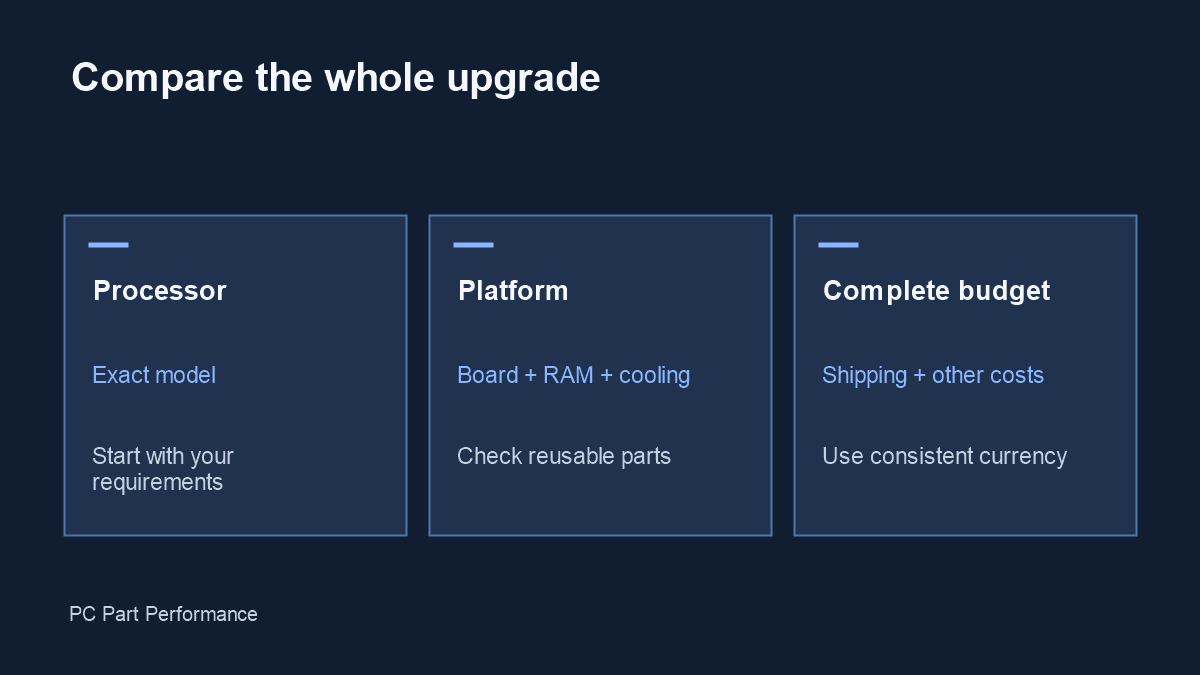
Compare everything you must buy to complete each upgrade. Keep an existing component at zero only after checking that you can actually reuse it.
Define a complete upgrade
A headline CPU price is only one line in the budget. Your chosen path may require a motherboard, another memory generation, a cooler mount, storage migration or other parts. Put those items into both options before comparing the totals. The calculator does not fetch prices and does not treat manual entries as verified offers.
Use a consistent currency and a comparable tax and shipping treatment. If a store price excludes a required delivery charge, include it in the other-costs line. Record the date and exact retailer SKU with your own notes, especially when a bundle changes what is included.
Check what can be reused
Write down the exact memory generation, cooler model, power connections and case before setting a budget line to zero. Motherboard specifications describe supported memory and ports; a similar-looking socket or connector is not enough. An older cooler may also need a manufacturer-approved mounting kit.
Memory profiles require a separate compatibility check. AMD describes EXPO as an overclocking-profile technology, so a profile label is not a universal promise that every board and CPU combination will operate at that setting. Confirm the exact parts and have a plan for testing stability.
Source: MSI — B650 TOMAHAWK specifications; AMD — EXPO memory profiles.
Make trade-offs visible
Compare two budgets that both meet your actual requirements. A lower total is not automatically better if it omits a required feature, introduces an unresolved BIOS issue or prevents a planned expansion. Write those differences next to the arithmetic rather than hiding them in a single value score.
For an existing build, separate immediate spending from optional upgrades. A drive you may buy next year belongs in a later scenario. This keeps the current decision understandable and avoids making every option look more expensive by adding unrelated wish-list items.
Preserve your evidence
Save product pages and compatibility notes as well as the quoted prices. Retailer search links can show a different variant later. Before ordering, check the current listing, availability, warranty and complete checkout total again.
The output is a transparent subtotal and difference, not a performance-per-dollar ranking. Pair it with relevant independent tests and the board-specific compatibility checks that match your intended workload.
Evidence and updates
Sources checked October 4, 2026. Manufacturer statements are specifications, not our measurements. Material corrections appear in the data changelog.
- B650 TOMAHAWK specifications — slot topology; CPU-dependent storage
- EXPO memory profiles — profiles; memory qualification