Plan a phased PC upgrade: make every intermediate build usable
Buying in stages works only when each intermediate configuration can perform the tasks you still need. Group dependent CPU, board and memory changes, preserve recovery and support evidence, and recheck each later purchase. A future shopping list is not proof that the machine will work between purchases.
Research and writing prepared with AI assistance. Research-based guidance; no site-owned hardware testing is claimed.
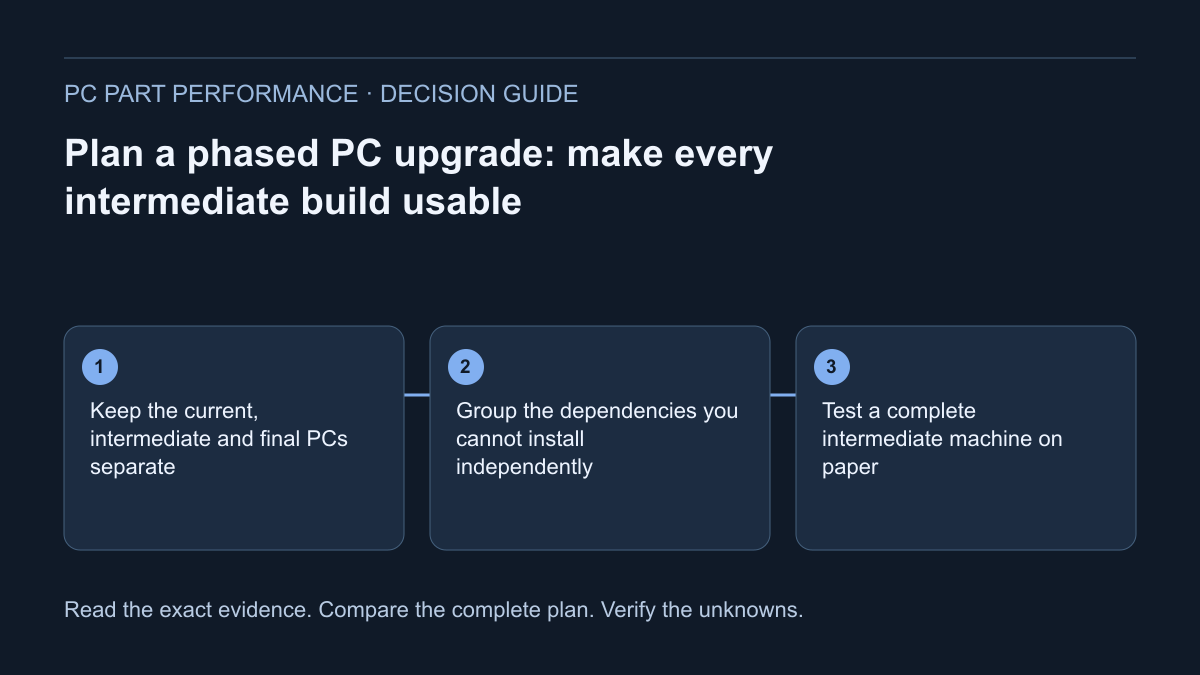
Keep the current, intermediate and final PCs separate
Write the existing configuration first, including exact part identities, operating system, cables and peripherals you rely on. Then describe the final goal: a named workload, feature or supported display requirement. Do not start with a collection of sale items and assume they will naturally form a coherent machine.
Create a separate record for every proposed stage. Each record should list what remains, what is bought, what is installed and what stays boxed. Keep installation and purchase dates distinct. A product you buy early may be useful later without being usable in the current platform, which changes the risk and value of that purchase.
Group the dependencies you cannot install independently
The illustrative AM4/AM5 example makes one dependency clear: AMD identifies the Ryzen 7 5700X3D with AM4/DDR4 and the Ryzen 5 7600 with AM5/DDR5. Moving between those specified platform routes is not a CPU-only installation. The applicable board and memory requirements belong to the same stage.
Group cooling, mounting and display-path needs with that stage too. Do not assume a processor’s integrated graphics, an old mount or an existing cable matches the next configuration. Exact documentation determines whether a reused item is suitable. The list of dependencies is a planning record, not a universal compatibility verdict.
AMD — Ryzen 7 5700X3D support specifications · AMD — Ryzen 5 7600 specifications
Test a complete intermediate machine on paper
For each stage, ask whether the configuration still includes the necessary processing, memory, storage, display output, cooling and supported power connections. Check exact CPU/board support and installed firmware. Confirm that storage connections remain available under the intended CPU and expansion arrangement. Mark a missing component separately from a missing fact.
Record what you would do if the new installation fails its basic check. Keeping the last working parts temporarily may provide a supported return path, but only when reinstalling them is appropriate and safe. A recovery plan should not promise that every firmware update can be reversed or that reinstalling hardware restores every previous setting.
Use an explicit stage record and stop condition
The worksheet below keeps purchases from quietly becoming a compatibility claim. “Ready to install” requires a complete documented configuration and a safe plan; “waiting for another part” is not a failure if it is deliberate. It should, however, be visible when comparing the timing of purchases.
After installation, record the observed baseline before optional profiles or unrelated software changes. If the stage fails recognition or stability checks, pause the next purchase and investigate. Buying another component to mask an unexplained symptom can make the record harder to interpret and the overall expense harder to justify.
| Stage field | What to record |
|---|---|
| Requirement | Named task or feature the stage should solve |
| Purchased items | Exact models, quantities and documented quotes |
| Installed configuration | Complete kept-plus-new parts revision |
| Before-install checks | Support, connectors, mounts, data and recovery |
| Stop condition | Unresolved essential check or failed baseline |
| Observed result | What changed under the same ordinary test |
| Next stage dependency | What must be resolved before proceeding |
Compare buying early with waiting
Use actual offers and return conditions for the region you intend to purchase in. A part bought months before installation can have different practical implications from one you can test promptly. Record the seller’s applicable policies rather than assuming every item can be returned when the final build is eventually assembled.
Do not call an early purchase a saving unless the comparison and full required costs support that claim. A later price, new revision or changed workload can alter the plan. Preserve original quotes separately from current buying information. This article supplies no future-price forecast, price history or guaranteed globally optimal buying sequence.
Protect the working PC and recheck the next decision
Keep a verified backup and legitimate recovery access before relevant hardware changes. Microsoft documents that hardware or security changes can trigger BitLocker recovery. Keep recovery secrets out of shared plans. Use approved PSU cable documentation when a supply changes; the old loom is not a reusable accessory merely because it fits.
Save each supported revision in the builder and use the whole-platform cost worksheet to compare the new purchases with your goal. Before the next stage, reread the current source and update the affected checks, not just the date on the plan. Keeping the working configuration or cancelling an unnecessary later stage is a valid outcome.
Microsoft — Find your BitLocker recovery key · CORSAIR — PSU cable compatibility explainer
Apply this to your PC
Sources and scope
- AMD — Ryzen 7 5700X3D support specifications
AM4, DDR4, discrete graphics required and no included boxed thermal solution. The old desktop product URL returns 404; this live official support page includes the model specification table. No installed-board BIOS is inferred. Source inspected 2026-10-13.
- AMD — Ryzen 5 7600 specifications
AM5, DDR5, AMD Radeon integrated graphics and Wraith Stealth listed for the boxed package. Package contents, board outputs and exact firmware support still require their own checks. Source inspected 2026-10-13.
- Microsoft — Find your BitLocker recovery key
Recovery access after relevant security or hardware changes; preserve the legitimate recovery key. A key is sensitive. Do not paste it into site forms, shared builds or analytics. Source inspected 2026-10-13.
- CORSAIR — PSU cable compatibility explainer
Modular cable compatibility must come from the applicable manufacturer documentation. Scope is CORSAIR’s documented families; do not apply its type names to other brands. Source inspected 2026-10-13.