Buying guide
The prebuilt internals checklist: PSU, RAM, cooling and upgrades
Know which internal details to request before buying a desktop advertised as powerful or upgradeable.
Published
Research and writing prepared with AI assistance.
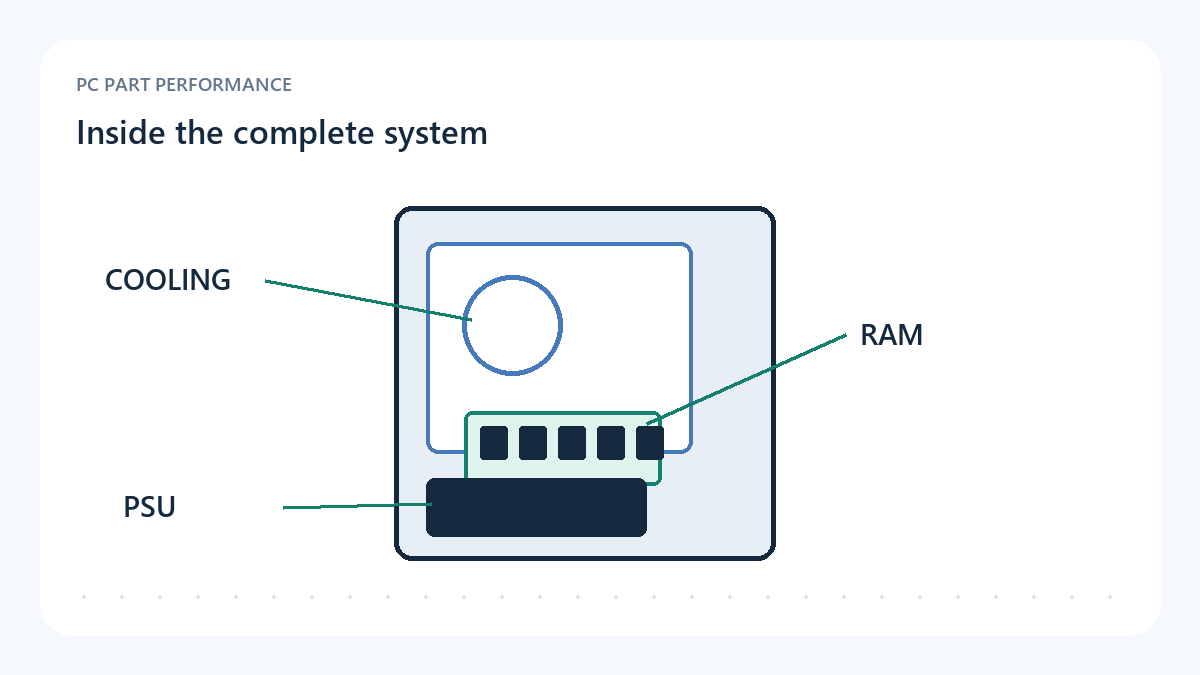
Ask what is installed
A prebuilt headline normally emphasizes the processor, graphics card and total memory. Those facts matter, but they do not identify everything inside the enclosure. Request an exact parts description or service manual for the selected SKU. Distinguish a guaranteed installed component from a representative image or a list of possible substitutes. Record unresolved details as unknown, especially when you expect to change parts later.
You do not need to reject every machine that uses a custom part. You do need to understand what replacing that part would involve. Ask whether the motherboard, power connections, case mounts and front-panel connections follow the standards required by your intended replacement. Avoid inferring those details from the brand name. A photograph can raise a question; a matching manual or a checked unit can answer it.
Sources: Intel — How to build a gaming PC
Identify the power supply and its connections
Record the PSU model, rated output, available connectors and any stated compatibility restrictions. A large wattage number is not a complete quality or upgrade assessment. The question is whether the installed unit supports this exact configuration and a proposed change according to the relevant specifications. If the seller only provides a capacity, ask for the missing model and connector information before planning a more demanding GPU.
Keep cable compatibility separate from a connector that appears to fit. When replacing or servicing a modular supply, follow the compatibility information for the exact unit and cable set. Do not transfer a box of spare cables merely because they came from another computer. This article does not certify a PSU or prescribe an adapter. An uncertain power connection belongs on the unresolved list until its manufacturer instructions are available.
Count modules, slots and accessible expansion
Memory capacity and module arrangement are different fields. Ask how many modules are installed and what expansion positions remain available. Do not promise a frame-rate gain from a particular arrangement without a relevant test. Also check the supported capacity and configuration for the exact board or system, rather than assuming that every desktop with a familiar processor supports the same memory upgrade.
For storage, record the installed drives, unused connectors or slots and any shared-resource rules in the matching manual. An empty-looking location may require a mount, cable, thermal part or another configuration change. Ask whether accessing it is practical and what the seller's service terms say about opening the machine. The useful answer describes your intended change; the word upgradeable on a product card is too broad.
| Area | Request | Keep unresolved until confirmed |
|---|---|---|
| Power | PSU model and supported connector/cable set | A capacity-only description |
| Memory | Module count, slots and supported configurations | Total GB without arrangement |
| Storage | Installed models, free positions and shared-resource rules | An expansion claim without a manual |
| Cooling | Cooler, fans and control method | A GPU/CPU pair without system testing |
| Service | Access instructions and applicable terms | Assumptions based on another model |
Treat cooling as a system behaviour
The enclosure, cooler, fans and control settings work together. A liquid CPU cooler does not independently describe GPU airflow, and a collection of vents does not provide a measured noise result. Look for original testing of the same configuration, including the workload and settings. If those differ, use the review as context and preserve the difference rather than copying a temperature or sound level into your comparison.
An instructive historical example is GamersNexus's original 2025 Origin Genesis review. The tested unit's fan-control behaviour illustrates a problem that a premium component list alone would not reveal. That sample does not establish a defect in every Origin system or any current competing desktop. The optional linked video explains the original review; its historic configuration and price are not used as today's offer evidence.
Sources: GamersNexus — $8000 Disaster Pre-Built PC: Corsair and Origin Fail Again
Turn future upgrades into specific checks
Write down one plausible future change and inspect its requirements. A replacement graphics card needs more than a free expansion slot; power, physical clearance and the system's configuration matter. A processor change needs a supported motherboard and firmware path. A drive addition needs an accessible position and the correct connection. If the relevant evidence is missing, the upgrade remains a possibility rather than a promised feature.
This checklist helps compare what sellers actually disclose. It does not score reliability, certify an untested machine or recommend opening a new system before reading its instructions. Prefer a candidate whose unresolved questions you can close and whose repair route you understand. Save the exact configuration and source documents so that a later replacement decision starts with the machine you own, not the advertisement you remember.
- Exact internal models or substitution policy recorded
- PSU connector and cable questions answered
- RAM arrangement and storage expansion documented
- Cooling evidence refers to the relevant system
- Proposed future upgrade checked against the actual manual
Use the tools with this evidence
Inspected sources and limits
- Intel — How to build a gaming PC
Inspected 2026-10-11. Component roles and assembly planning. Used to ground the complete-system checklist, not to endorse Intel hardware or calculate a DIY savings percentage.
Manufacturer guidance is not a neutral benchmark, retailer quote or universal claim that DIY is cheaper.
- GamersNexus — $8000 Disaster Pre-Built PC: Corsair and Origin Fail Again
Inspected 2026-10-11. Original review of one purchased Origin Genesis configuration; discussion of its fan-control and thermal behaviour demonstrates why component labels do not describe a complete system.
Historical sample, not a current retail offer or a verdict on every system sold by the brand. No charts, benchmark dataset or 2025 part prices imported. Video date is 2025-05-16; written article was updated 2025-12-01.