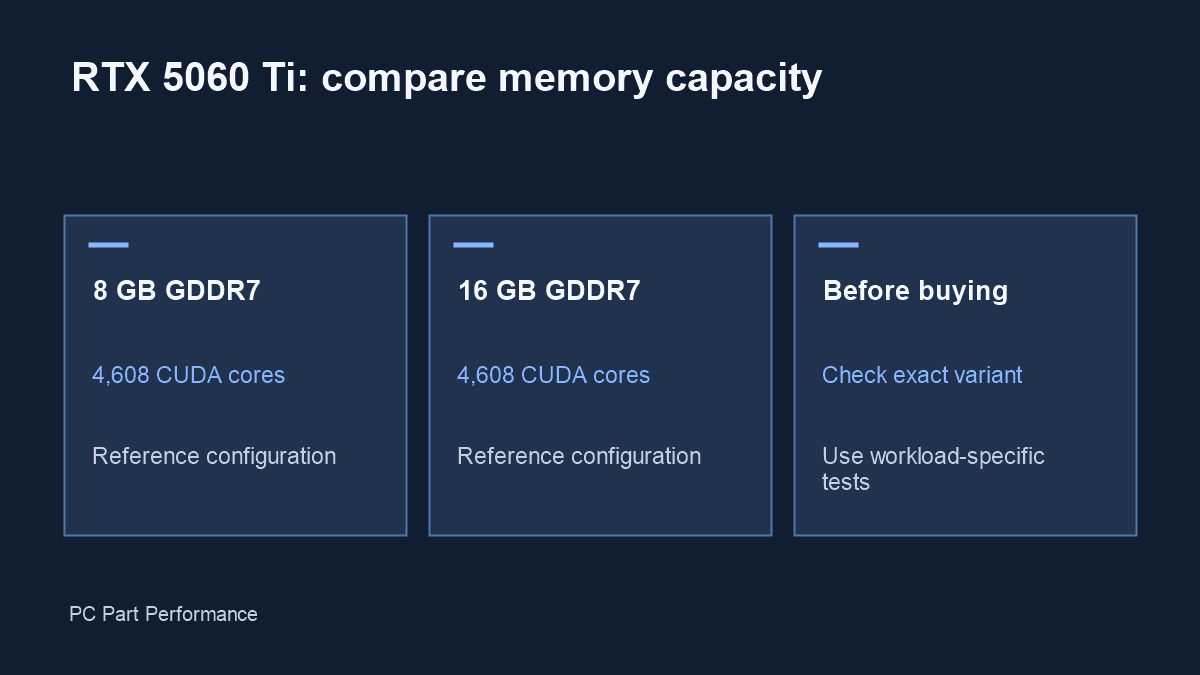
NVIDIA lists the RTX 5060 Ti with either 8 GB or 16 GB of GDDR7 and the same reference 4,608 CUDA-core configuration. Extra memory capacity does not by itself establish an FPS advantage in every game.
What the specifications establish
The published RTX 5060 Ti family table gives both memory capacities under one GPU entry. It also lists a 128-bit memory interface. Those facts explain why the comparison should begin with memory capacity, rather than treating the 16 GB version as a different GPU tier. They do not prove that every retail card has identical clocks, cooling or power behavior.
Before paying, read the complete listing and model code. A card named RTX 5060 without Ti is a different product. Partner versions can also differ in length, thickness, fan design and warranty. A photograph that looks similar is not enough to verify the memory capacity.
Use evidence from your actual games
Look for a test that names the game version, resolution, graphics preset, upscaling mode and both cards. Average FPS alone can miss inconsistent delivery; a useful review also explains frame times, textures and testing scenes. Keep native rendering separate from generated frames when comparing results.
A test performed at a lower texture setting cannot settle whether a higher setting fits within a particular memory budget. Equally, a memory allocation number alone does not establish that all of it is required or that a card is running out of capacity. Prefer a described symptom and a repeatable test over a single overlay reading.
A practical purchase checklist
First, decide which games and settings you intend to use. Second, find a comparison at those settings or a clearly explained neighboring workload. Third, compare the complete delivered price of the exact variants. Fourth, check your case clearance, power connections and return policy. Keep unavailable evidence marked as unavailable.
If you cannot find a reliable result for your workload, do not turn the memory ratio into a performance estimate. Doubling capacity is not doubling processing speed. This site’s PC FPS calculator is an unvalidated model demonstration and should not substitute for those tests.
For workloads outside games
A creative application or local AI model can have its own memory requirements. Verify the application version and how it uses system memory and GPU memory. Some jobs may be limited by capacity; others by processing, software support or transfer overhead. Use the AI memory planner to understand a lower-bound calculation, then confirm with the actual runtime.
Evidence and updates
Sources checked October 4, 2026. Manufacturer statements are specifications, not our measurements. Material corrections appear in the data changelog.
- RTX 5060 family specifications — reference GPU configuration