SSD transfer time: why the advertised MB/s is not your copy speed
Estimate a transfer with the amount of data and a realistic end-to-end rate. An SSD’s advertised sequential read figure describes a particular test; it does not establish how quickly your source, destination, connection and files will complete a copy.
Research and writing prepared with AI assistance. Research-based guidance; no site-owned hardware testing is claimed.
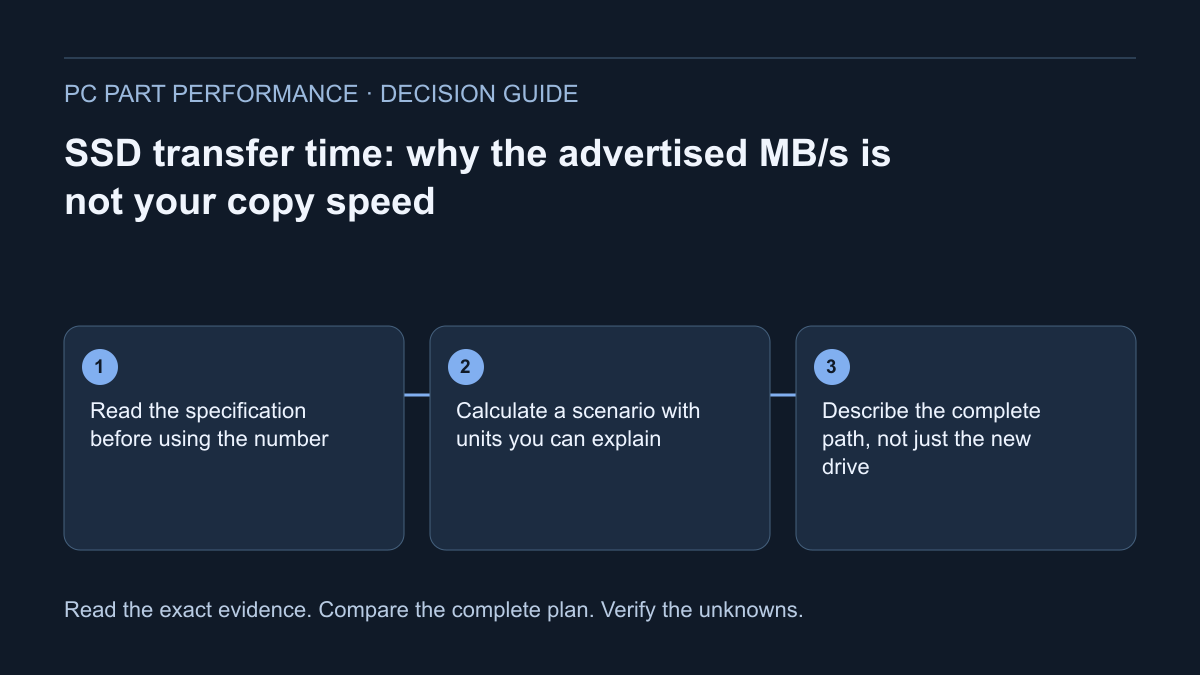
Read the specification before using the number
A storage listing usually presents several different performance quantities. Samsung’s Canadian 990 PRO 1 TB page, for example, gives sequential read up to 7,450 MB/s and sequential write up to 6,900 MB/s. Neither number is a promise that your next copy will sustain that rate. Read and write are different operations, and the manufacturer qualifies performance by system configuration.
The corresponding datasheet describes its test system, secondary-drive testing and Intelligent TurboWrite conditions. Those qualifications belong next to the headline number when making a decision. They do not make the drive unsuitable; they tell you what evidence the number represents. Treat a specification as a test-defined capability, then ask whether your task resembles the conditions behind it.
Samsung — 990 PRO 1 TB specifications · Samsung — 990 PRO datasheet, revision 1.0
Calculate a scenario with units you can explain
For a constant assumed rate, elapsed seconds equal the data size divided by the rate. If size is decimal GB and the rate is decimal MB/s, multiply the size by 1,000 first. Our hypothetical 200 GB folder at a sustained 1,000 MB/s would take 200 seconds, or 3 minutes 20 seconds. At 250 MB/s it would take 800 seconds, or 13 minutes 20 seconds.
These are arithmetic scenarios, not measurements of an SSD. The chosen rate is an input that must come from a relevant observation or a clearly stated assumption. Using the advertised read maximum as the input quietly assumes the rest of the path can keep up, and says nothing about completion overhead. Label the result with its assumptions instead of presenting it as a device benchmark.
| Data | Assumed sustained rate | Calculated transfer-only duration |
|---|---|---|
| 200 GB | 1,000 MB/s | 200 seconds — 3 minutes 20 seconds |
| 200 GB | 250 MB/s | 800 seconds — 13 minutes 20 seconds |
| 200 GB | 100 MB/s | 2,000 seconds — 33 minutes 20 seconds |
Describe the complete path, not just the new drive
Write a short inventory: source drive, destination drive, connection between them, enclosure or dock, and the software operation. A copy from an older external disk onto a new internal SSD is a different task from writing generated data locally. An archive extraction also contains decompression work. A cloud download contains a network transfer. Keep these operations separate when comparing observed time.
This inventory stops an easy purchasing mistake: buying a faster destination before identifying what your current task waits for. A useful worksheet has one row for each path element and one column for evidence. Mark an unknown enclosure or cable as unknown. Do not infer its supported mode just because the connector fits. The next step may be checking a manual or taking a repeatable observation, rather than replacing storage.
Use your own copy as an observation, carefully
Choose an ordinary, nonessential folder representative of the task and copy it to a destination with enough free space. Record exact bytes, source and destination, start-to-finish elapsed time, and whether the operation completed successfully. Use a copy, not a move or destructive test; retain the original. Avoid repeatedly filling a working drive merely to chase a headline speed.
Repeat only when a different result would change the decision. If one run is much faster, preserve both observations and note what changed. A file-manager progress number is useful context but is not the same as a complete-task average. Divide total bytes by total elapsed time, preserve the unit conversion and call the result your observed task rate. This article does not prescribe a laboratory benchmark protocol.
Keep capacity, interface and performance as separate questions
A drive can solve a space shortage without making a particular transfer faster. Likewise, a compatible physical slot does not turn a manufacturer’s test result into your workload result. Use the storage-capacity planner to list operating-system space, applications, games, project files and working copies. Leave room for the files you intend to retain rather than planning around the label capacity alone.
When deciding whether to buy, state the requirement: more space, a supported replacement interface, or a documented task that takes too long. Compare the complete change and its cost only after identifying that requirement. If you already have enough space and the measured path points elsewhere, keeping the drive is a valid outcome. No current retailer prices or universal loading-time improvement are claimed here.
Save a transfer plan someone else can reproduce
Keep the folder size, unit basis, assumed or observed rate, calculated duration and path inventory together. Add a separate line for work outside the transfer, such as verification or an application import. Do not silently fold an arbitrary percentage into the calculation. If the rate is uncertain, show two explicit scenarios and explain why you selected them.
The useful result is a plan you can revise when real evidence arrives. Start with the storage planner, inspect the exact SSD entry and keep your original files safe. The calculation answers how long a stated amount at a stated constant rate would take. It does not certify sustained drive performance, file integrity, application responsiveness or the benefit of an upgrade.
Apply this to your PC
Sources and scope
- Samsung — 990 PRO 1 TB specifications
Exact 1 TB model; sequential read/write figures and performance qualifications. Manufacturer specifications, not site-owned transfer measurements. Source inspected 2026-10-13.
- Samsung — 990 PRO datasheet, revision 1.0
PDF test conditions, secondary-drive testing and TurboWrite qualifications. Describes its stated 1 TB/2 TB models and test configuration, not every future revision or real copy job. Source inspected 2026-10-13.