Pixel density describes the number of pixels per inch. It does not measure contrast, input lag, HDR quality or motion clarity.
Method and limits
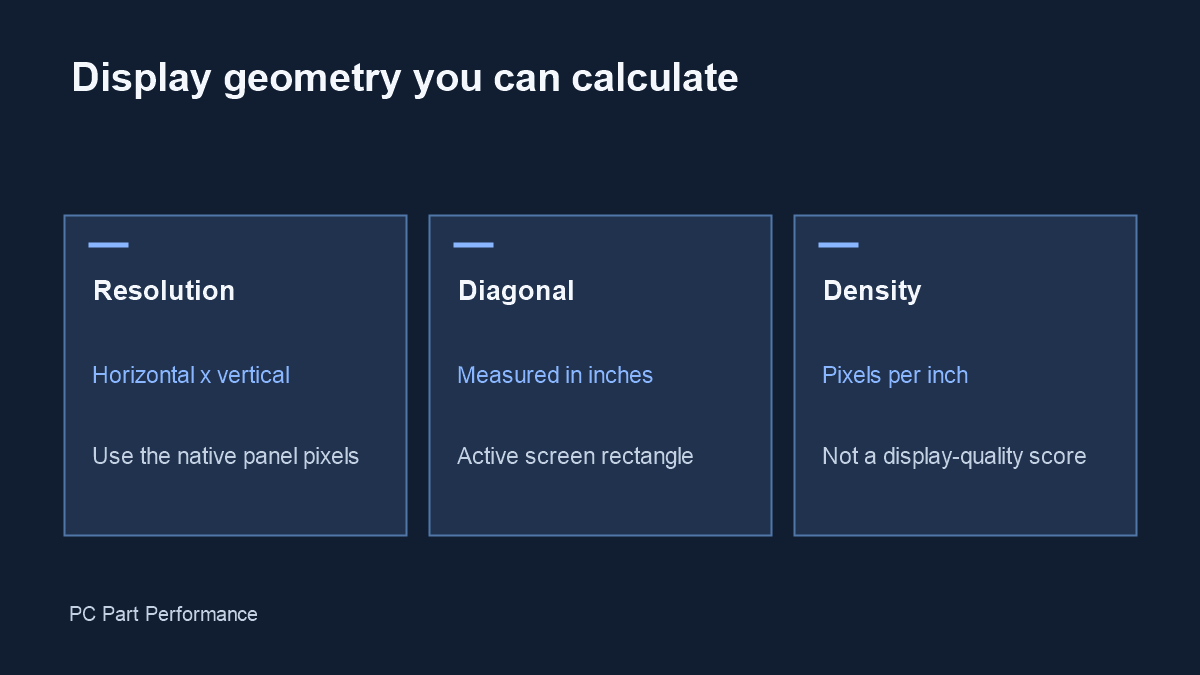
Formula: PPI = √(horizontal pixels² + vertical pixels²) ÷ diagonal inches. Display width and height use the same resolution aspect ratio and assume square pixels. The result describes the active rectangle, not the stand or full monitor chassis.
Use the panel’s native resolution. Operating-system scaling changes interface size but does not change the physical pixel count. Cropping, unusual pixel geometry or a rounded screen means the computed rectangle is not an exact visible-area measurement.
For a desk layout, confirm the manufacturer’s full dimensions, stand depth and VESA clearance. To evaluate sharpness, consider viewing distance and your own eyesight. The output is geometry, not a recommendation that one PPI is universally best.