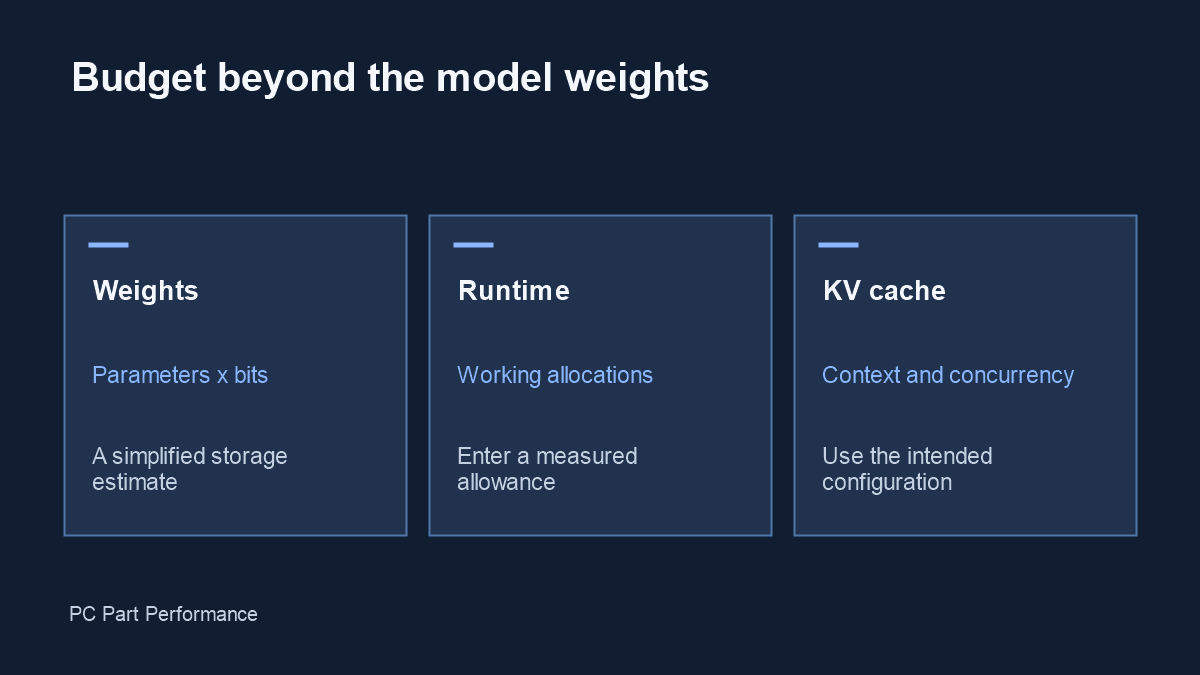
Parameter count × average bits per parameter estimates weight storage. Runtime buffers and the KV cache require additional memory; total available VRAM alone is not a performance benchmark.
Make the units explicit
A billion parameters stored at an average of four bits each represents 500 million bytes before extra metadata and runtime allocations. Divide bytes by 2 to the power of 30 for GiB. The calculator uses that conversion, so its number will differ from decimal gigabytes shown in some marketing material.
An average bit width is a simplifying input. Real model formats may use mixed precision, block metadata or tensors with different storage types. If you have an actual model file, its recorded size is stronger evidence for storage planning than a calculation from the name alone.
Budget separately for context
The KV cache holds runtime state used during generation. llama.cpp exposes context and cache-related options; changing them changes the setup being evaluated. A requirement quoted for a short prompt should not automatically be treated as the requirement for a long conversation. Use the actual runtime configuration when recording a result.
This calculator deliberately asks for a manual KV-cache budget. It does not invent an architecture-independent amount from token count. Record the model architecture, cache type, context and concurrency beside any measured memory figure you rely on.
Distinguish storage from execution
A model file that fits on a drive does not establish that its tensors and working allocations fit entirely in GPU memory. Offloading can change the balance of GPU memory, system RAM and data movement. A successful load also does not establish the response speed you need.
For a useful check, run a representative prompt with your intended context and record peak memory, load behavior and token rate. Keep generation settings and runtime version in the test record. Results from another configuration can help form a question, but should not become a promised outcome for your build.
Use a conservative planning workflow
Enter the weight assumptions, then enter runtime and KV-cache allowances based on documentation or measurements. If either allowance is unknown, leave it unresolved rather than quietly treating it as zero. The form requires a deliberate value for both.
Compare the resulting budget with memory that is actually available to the application, allowing for the operating system and other active software. Before buying hardware, verify software support and test the intended workload wherever possible. This page supplies arithmetic and a checklist, not a certified hardware recommendation.
Evidence and updates
Sources checked October 4, 2026. Manufacturer statements are specifications, not our measurements. Material corrections appear in the data changelog.
- llama.cpp completion documentation — runtime context and cache options