DDR5-6000 CL30 vs CL36: what the 2 ns calculation can tell you
At the same 6000 MT/s transfer rate, CL30 corresponds to a calculated 10 ns CAS interval and CL36 to 12 ns. That 2 ns difference is useful specification arithmetic. It is not a measured gaming advantage, a full-system latency result or proof that either profile works on your motherboard.
Research and writing prepared with AI assistance. Research-based guidance; no site-owned hardware testing is claimed.
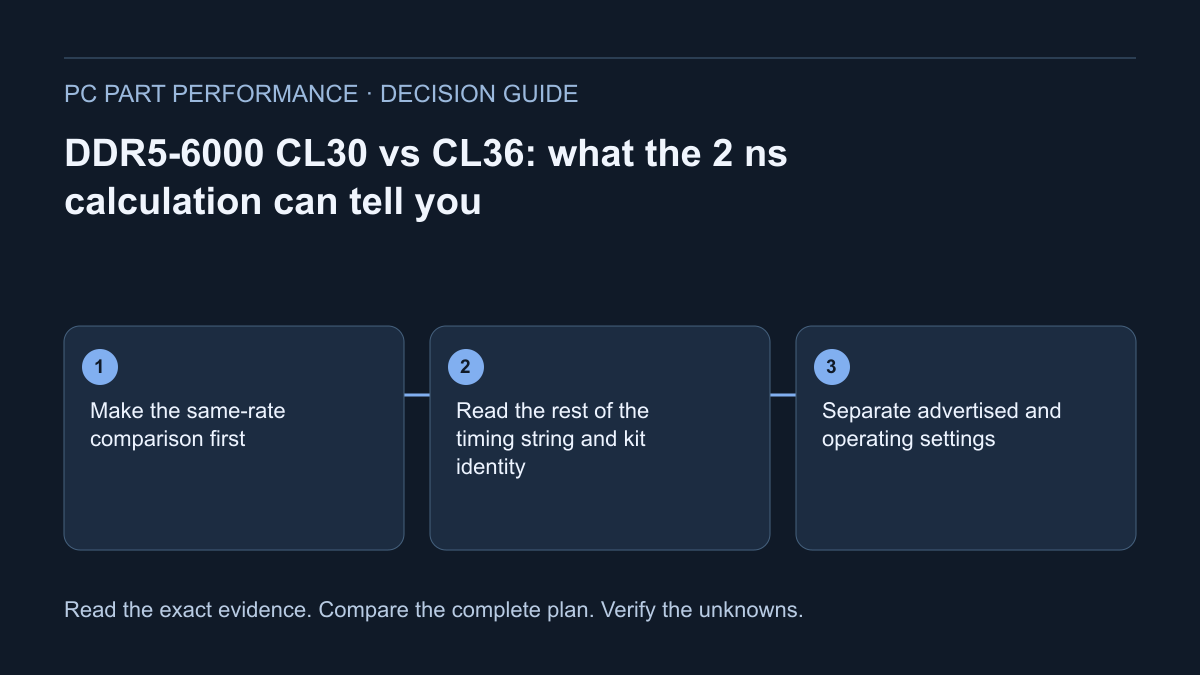
Make the same-rate comparison first
For conventional DDR timing arithmetic, nanoseconds per clock cycle equal 2,000 divided by the data rate in MT/s. At 6000 MT/s that is one-third of a nanosecond. Multiplying by 30 gives 10 ns; multiplying by 36 gives 12 ns. These are calculated CAS intervals, with the rate and cycle count supplied as inputs.
Keep the units beside the result. CL is a count of clock cycles, whereas MT/s describes transfers per second. Comparing CL30 at one rate with CL36 at another rate requires a new calculation. For example, a hypothetical 6400 MT/s CL32 setting also gives 10 ns. Equal calculated intervals do not make two memory configurations identical.
| Stated specification | Formula | Calculated CAS interval |
|---|---|---|
| 6000 MT/s CL30 | 30 × 2000 ÷ 6000 | 10 ns |
| 6000 MT/s CL36 | 36 × 2000 ÷ 6000 | 12 ns |
| 6400 MT/s CL32 | 32 × 2000 ÷ 6400 | 10 ns |
Read the rest of the timing string and kit identity
CORSAIR explains that primary timing labels describe different operations: CL, tRCD, tRP and tRAS are not alternate names for one complete delay. An abbreviated listing may show only CL. Preserve the full labeled specification and the profile it belongs to instead of treating the first number as the whole memory subsystem.
Record the exact kit part number, capacity, module count and advertised profile. Kingston’s decoder illustrates that those identity fields are distinct and product-family specific. Two packages with the same capacity and visible heat spreader may still describe different configurations. Compare the actual items and installation conditions, not a generic category called “CL30 RAM.”
CORSAIR — CAS latency and DDR5 timings explained · Kingston — Memory part-number decoder
Separate advertised and operating settings
The rate on the package is not automatically the rate currently selected in firmware. AMD describes EXPO as an overclocking profile technology. A supported feature and an advertised kit profile still need the applicable CPU, board, firmware and module-count conditions; this guide does not certify that every AM5 setup will operate at 6000 MT/s.
For an existing PC, record the active rate and timings before comparing a replacement. For a new build, verify the intended capacity and establish a working baseline before optional settings. Follow the board and memory maker’s supported instructions. Do not copy voltage changes or hidden BIOS values from a different configuration merely to make the arithmetic look attainable.
Do not turn 2 ns into an FPS percentage
The 2 ns difference in the first table concerns one calculated interval. It does not establish a fixed uplift in games, application responsiveness or 1% lows. Those outcomes need comparable measurements with the game or workload, CPU, exact memory configuration, graphics settings and test method recorded. Missing measurements should stay missing.
Use the performance evidence page to distinguish measured results from specifications and unvalidated models. Even a legitimate result for one game and processor must not become a blanket promise for every PC. The timing calculator can answer its mathematical question accurately without claiming to predict frames. Neither the smaller interval nor a higher purchase price earns an automatic recommendation.
Compare the complete purchase instead of one label
Choose the needed capacity and supported physical configuration first. Then compare two exact kits in the same region and currency with actual seller and return conditions. Keep unknown prices explicit. A less expensive adequately supported kit may leave more budget for a documented need; a smaller calculated interval may matter only if applicable workload evidence justifies paying for it.
For an existing owner, include keeping the working kit. If capacity, stability and the tasks you use are satisfactory, a timing label alone does not demonstrate a reason to replace it. If the current system is unstable, use the diagnostic workflow before purchasing around an assumed performance problem. A specification comparison is only one part of a useful memory decision.
Save the inputs and the uncertainty
Use the two-kit timing tool with rate and cycle values from the same kind of evidence in both columns. Leave unknown tRCD and tRP values blank rather than entering zero. Keep advertised settings, operating settings and measured workload results in separate columns of your notes.
The final record should identify the kits, support evidence, calculated intervals, price basis and the condition that would change your choice.
Apply this to your PC
Sources and scope
- CORSAIR — CAS latency and DDR5 timings explained
Clock cycles, transfer-rate context and distinct CL/tRCD/tRP timing operations. Do not turn the source’s broad performance marketing into a universal recommendation or measured game claim. Source inspected 2026-10-13.
- Kingston — Memory part-number decoder
Product-family fields can distinguish speed, latency, capacity, module type, kit count and revisions. Naming conventions differ by family and brand. Source inspected 2026-10-13.
- AMD — EXPO memory profiles
EXPO is memory overclocking profile technology for supported AM5 configurations. A profile is not proof of operation on every board/CPU/module configuration. Source inspected 2026-10-13.