GPUs perform many of the calculations used to train and run AI models. Their usefulness depends on the whole system: memory must hold and feed the workload, networks connect devices, and power and cooling keep the hardware operating.
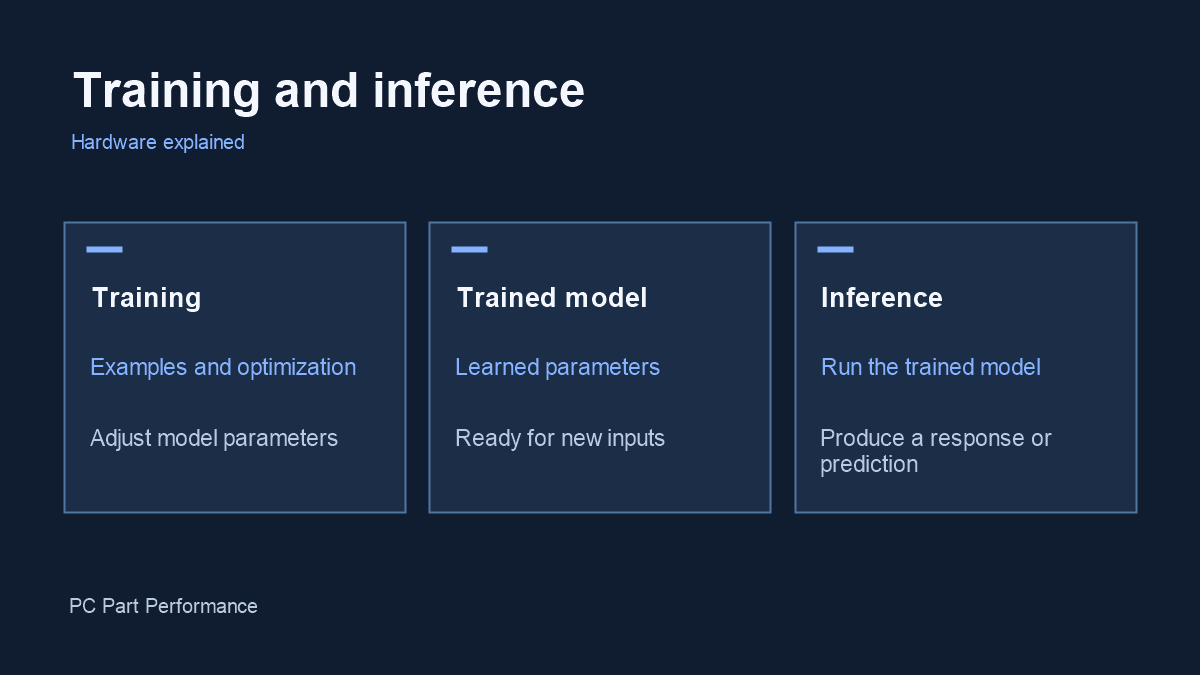
| Workload | What the system does | Result |
|---|---|---|
| Training | Processes examples and adjusts model parameters | A trained model or an updated checkpoint |
| Inference | Runs a trained model on new input | A prediction, generated response or other output |
Training and inference solve different problems
Training adjusts a model’s parameters using data and an optimization process. Inference uses a trained model to produce an output from a new input. Fine-tuning adapts an existing model using additional training rather than necessarily starting from scratch.
A useful way to distinguish them is by the job being done: changing the model versus applying it. Both can require substantial computation. An inference service also has to manage many requests and response times; it is not automatically a trivial workload just because the main training run is finished.
Source: NVIDIA: training and inference explained, updated October 2025
Why GPUs are useful
A GPU can process many operations in parallel. Modern AI accelerators also include hardware intended to accelerate matrix calculations used by neural networks. The exact advantage depends on the model, numerical precision, software and how effectively the hardware is used.
A gaming FPS figure is not a substitute for an AI benchmark. For an AI system, first specify the model and task, then compare throughput, latency, memory use and output quality under matching settings. Numbers collected with different precisions or workloads may answer different questions.
Memory is part of the computing system
The accelerator needs access to model data and intermediate working data. Capacity determines how much can be held locally; bandwidth describes how quickly data can be moved. A system can have ample arithmetic capability and still spend time waiting for data.
That is why accelerator specifications include both memory capacity and bandwidth. System memory and storage have separate roles: host memory supports the surrounding software, while storage holds persistent datasets and model files. They work together rather than replacing one another.
Why networking, power and cooling matter
Large workloads can span multiple accelerators and servers. Those devices need to exchange information, so communication can affect the useful work completed by the system. NVIDIA’s H100 platform documentation presents interconnects as part of its data-center design, not an optional cosmetic feature.
A deployment also needs power delivery, heat removal, software operations and fault handling. We are not calculating a data center’s energy use from one GPU specification: utilization, supporting equipment and the actual workload would have to be measured. A desktop build preview cannot predict those operational costs.
What this means for a home PC
You do not need to reproduce a data center to experiment with smaller AI workloads. Define the application and its documented memory requirements before choosing hardware. Check the software’s supported devices and drivers, then measure a representative task.
For a gaming-focused build, keep game performance and compatibility as the main criteria. For a mixed gaming and local-AI machine, separately evaluate each workload. A component may be a sensible choice for one task without being the best choice for the other.
Inside an AI data center: NVIDIA’s AI factory overview
NVIDIA. Manufacturer or independent companion video; the creator’s views are their own.
Watch video on YouTube (opens a new tab)